 MetadataViewer
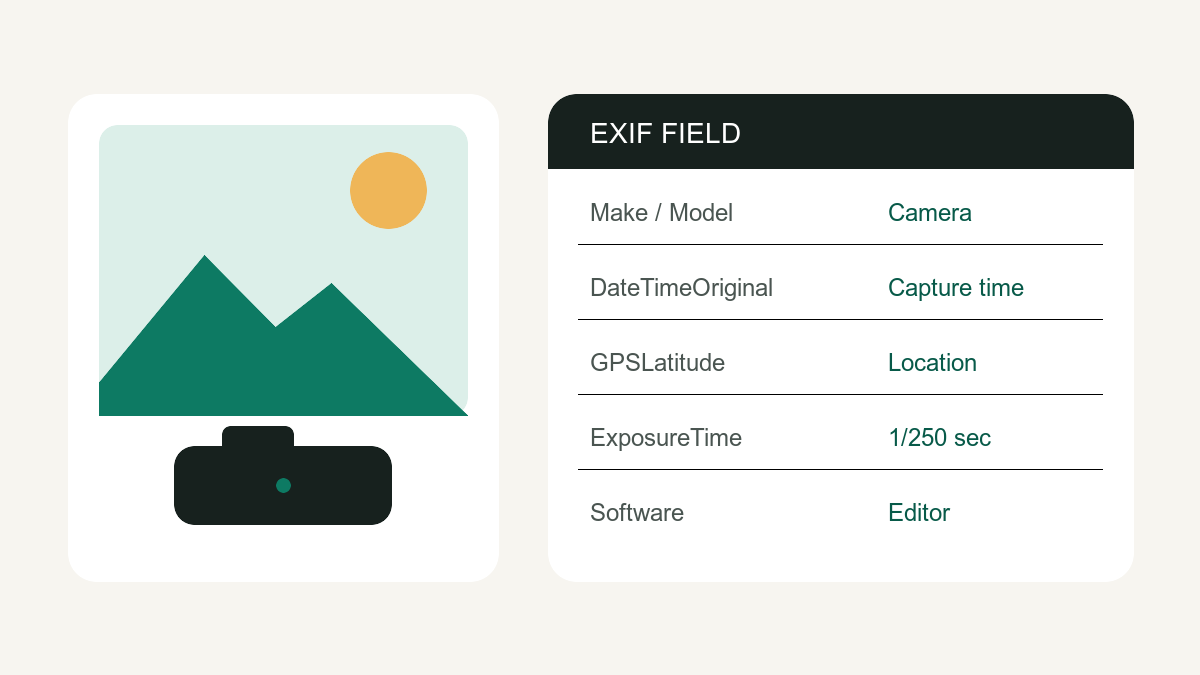
Suppose a photo arrived in an email today but was taken years ago. Finder may show today as the file creation date. The camera’s capture time can still be inside the JPEG. Start with the saved attachment and identify which date, name or location you actually need.
Open the file’s information panel
| Where the file is | How to inspect it | What to look for |
|---|---|---|
| Windows | Right-click the saved file in Explorer, then select Properties → Details. | For a JPEG, compare Date taken with the filesystem dates under General. |
| Mac | Select the file in Finder and press Command-I. For a photo or PDF, open it in Preview and choose Tools → Show Inspector. | Look for EXIF and GPS in photos, or author and creator in PDFs. |
| iPhone or Android | Open a photo in Photos or Google Photos and swipe up. | Check the camera and location. A map pin can come from the library. Inspect an exported copy if the question concerns sharing. |
Match the reader to the file
- Photos can carry EXIF capture time and GPS alongside XMP descriptions.
- PDFs can have both document properties and an XMP packet. Open Document Properties in Acrobat Reader to start.
- Word documents can identify the author and last editor. Open File → Info in Word for Windows. Review comments separately.
- Video files carry container and stream tags. MP3 files can store artist names and cover art inside ID3 tags.
Extract metadata to a text report
For a repeatable check, install ExifTool. Open a terminal in the folder containing your photo and run the command below. Use a new report filename because the shell writes over an existing report with that name. The command reads the photo and saves the tag listing alongside it.
exiftool -a -G1 -s "sample.jpg" > "sample-metadata.txt"Open the text file and search for DateTimeOriginal, GPSLatitude or Artist. With group names shown you can tell whether a value came from the filesystem, EXIF or XMP. For example, a recent FileModifyDate and an older DateTimeOriginal can both be accurate. The report itself can contain coordinates and local directory names, so review it before sharing.
Check the delivered copy
If the goal is privacy, send a test copy to yourself using the intended sharing method. Save the received attachment, repeat the inspection and compare the sensitive fields. Export settings and messaging apps can change the tags even when the two images look identical.