 MetadataViewer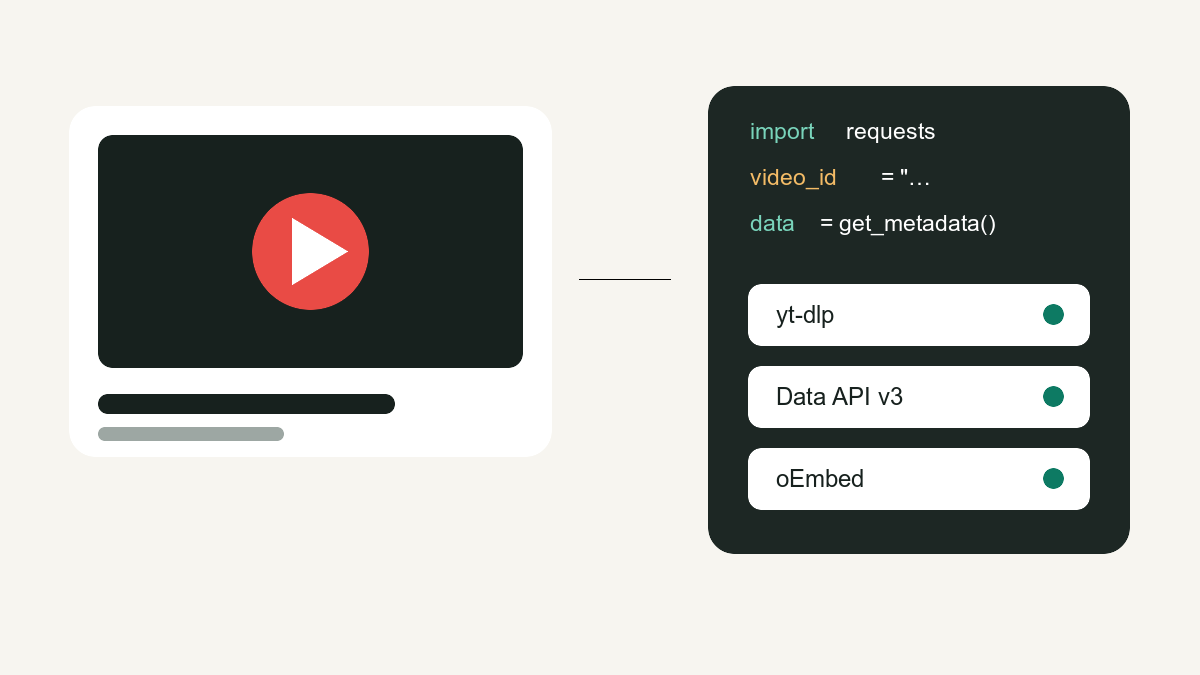
Need video titles, channels, view counts, tags or thumbnails programmatically? Here are the three methods that actually work in 2026, with copy-paste Python for each — plus when to use which.
(Just need to check one video quickly? Use the YouTube metadata viewer — no code required.)
Method 1: yt-dlp — richest data, no API key
yt-dlp can expose a broad set of fields returned by its extractor, including title, description, tags, counts, chapters, formats and subtitles when available. Check the project’s official README because extractor behavior changes.
pip install yt-dlpimport yt_dlp
url = "https://www.youtube.com/watch?v=dQw4w9WgXcQ"
with yt_dlp.YoutubeDL({"quiet": True}) as ydl:
info = ydl.extract_info(url, download=False)
print(info["title"])
print(info["channel"], info["channel_id"])
print(info["view_count"], "views")
print(info["upload_date"]) # YYYYMMDD
print(info["tags"])
print(info["duration"], "seconds")Pros: no API key and broad field coverage. Cons: extractor behavior can break when YouTube changes internals; update the package and review YouTube’s current terms and policies before production use.
Method 2: YouTube Data API v3 — official and scalable
Enable YouTube Data API v3 in Google Cloud and create a restricted key. Google’s official videos.list reference defines the returned parts and current quota cost; check the active quota in your own project instead of hard-coding a daily allowance.
import requests

KEY = "YOUR_API_KEY"
video_id = "dQw4w9WgXcQ"
r = requests.get(
    "https://www.googleapis.com/youtube/v3/videos",
    params={"part": "snippet,statistics,contentDetails",
            "id": video_id, "key": KEY},
    timeout=10,
)
item = r.json()["items"][0]
snip, stats = item["snippet"], item["statistics"]
print(snip["title"], "|", snip["channelTitle"])
print(snip["publishedAt"], snip.get("tags", []))
print(stats["viewCount"], "views,", stats.get("likeCount"), "likes")
print(item["contentDetails"]["duration"])   # ISO 8601, e.g. PT3M33S
Pros: official, stable and supports multiple IDs per request. Cons: needs a protected key and returns only the fields defined by the requested API parts; some player-derived fields are outside this API response.
Method 3: oEmbed — zero setup, zero key
For just title/channel/thumbnail, YouTube's public oEmbed endpoint needs nothing at all:
import requests

video = "https://www.youtube.com/watch?v=dQw4w9WgXcQ"
r = requests.get("https://www.youtube.com/oembed",
                 params={"url": video, "format": "json"}, timeout=10)
data = r.json()
print(data["title"], "—", data["author_name"])
print(data["thumbnail_url"])
Thumbnails follow a predictable pattern you can build without any request:
https://i.ytimg.com/vi/<VIDEO_ID>/maxresdefault.jpg   # highest
https://i.ytimg.com/vi/<VIDEO_ID>/hqdefault.jpg       # always exists
Which method should you use?
| Need | Use |
|---|---|
| Everything about a few videos (tags, chapters, formats) | yt-dlp |
| Thousands of videos, production system | Data API v3 |
| Just title/channel/thumbnail, no setup | oEmbed |
| One-off check without writing code | YouTube metadata viewer |
Production checklist: fail clearly instead of returning empty data
- Validate the 11-character video ID before making a request.
- Use a timeout and surface HTTP 404/401/429 separately; “missing metadata” is not the same as an empty title.
- Cache public oEmbed responses, but do not assume a cached video is still public forever.
- Treat optional fields such as tags, likes and
maxresdefault.jpgas nullable. - Store the source method and retrieval time beside the result so downstream users know whether it came from oEmbed, Data API or yt-dlp.
{
  "video_id": "dQw4w9WgXcQ",
  "source": "youtube_oembed",
  "retrieved_at": "2026-08-21T00:00:00Z",
  "title": "...",
  "channel": "...",
  "thumbnail_url": "...",
  "error": null
}
The browser-based YouTube metadata viewer deliberately stays inside the smaller oEmbed contract: title, channel, canonical URL, player size and thumbnail candidates. It does not imply access to private tags, view history or deleted videos.