 MetadataViewer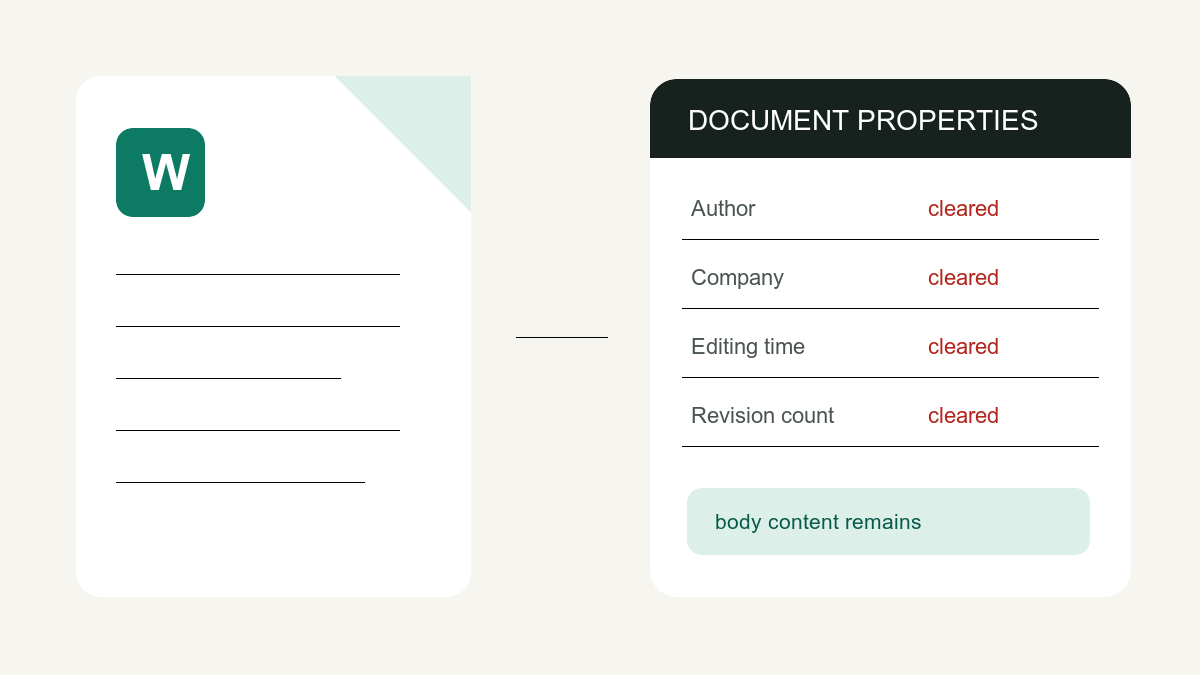
A DOCX can store author and last-saved-by names, company, total editing time, a revision-count property and template information. These properties do not reconstruct a complete revision history, but a recipient can inspect the values that remain in the file.
What's stored in a Word document
- core.xml — title, author, last modified by, created/modified dates, revision number, category
- app.xml — company, manager, total editing time, word/page counts, application version
- Plus, in the body: tracked changes, comments and hidden text if you never cleaned them
Method 1: Word's built-in Document Inspector
Microsoft’s Document Inspector documentation is the primary source for the current menu path, categories and removal limits. Work on a copy because some removed content cannot be restored.
- File → Info → Check for Issues → Inspect Document
- Tick Document Properties and Personal Information (plus Comments/Revisions if wanted)
- Click Inspect, then Remove All next to each finding
- Save — ideally as a new copy
Good: the relevant inspector can also find comments, tracked-change marks, hidden text and other categories. Limit: Word for the web cannot inspect or edit document properties, and Word for Mac does not have the same Document Inspector; Microsoft documents manual property editing there.
Method 2: one-click, in the browser
- Open the Word metadata remover
- Drop the DOCX (XLSX and PPTX work too) — it shows every property first
- Click Remove metadata & download
The author, company, revision and editing-time properties are blanked and a clean copy downloads. The document body — including any tracked changes you may want to keep — is untouched, and the file is never uploaded (it's unzipped and rezipped locally in your browser).
Which should you use?
| Situation | Best option |
|---|---|
| Also need comments/tracked changes gone | Document Inspector (or accept changes first, then either) |
| On a phone, or file came from someone else | In-browser remover |
| Cleaning many files or Excel/PowerPoint too | In-browser remover |
| Maximum paranoia (legal filing) | Both, then verify in a metadata viewer |
Whatever you choose, verify: drop the cleaned file back into the metadata viewer and confirm the properties are gone. Trust, but verify — it takes four seconds.