 MetadataViewer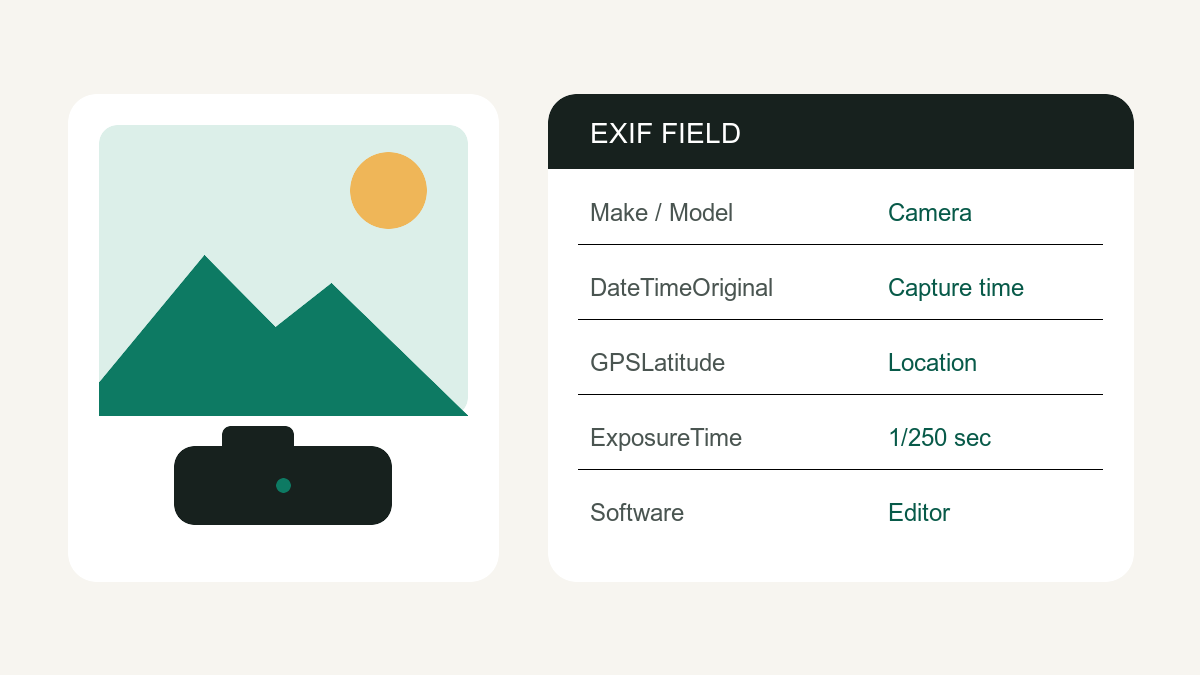
EXIF (Exchangeable image file format) is a camera-metadata standard used in many JPEG and TIFF image files. It can store capture settings, timestamps, device information and GPS tags without changing the visible pixels. Not every photo or format contains EXIF, and editing or export software can add, rewrite or remove it. The primary reference is the CIPA EXIF specification.
What's inside EXIF data
| Category | Typical fields | Privacy risk |
|---|---|---|
| Location | GPS latitude, longitude, altitude | High — can pinpoint your home |
| Time | DateTimeOriginal, timezone offsets | Medium — proves when you were where |
| Device | Make, model, serial number, firmware | Medium — links photos to your device |
| Capture | Aperture, shutter, ISO, lens, flash | Low — mostly useful to photographers |
| Software | Camera firmware, editor or export application | Varies — may reveal a workflow |
How to view photo metadata
The quickest way: drop the photo into our image metadata viewer. It parses supported EXIF, XMP and IPTC fields locally in your browser and provides a map link when readable GPS tags are present. Coverage varies by format and file variant.
On desktop you can also use the OS: Windows → right-click → Properties → Details; macOS → Preview → Tools → Show Inspector. Both show only a subset of what's actually in the file, which is why a dedicated viewer finds things the OS hides.
Who uses EXIF data — for good and bad
- Photographers study capture settings to learn from good shots.
- Buyers & verifiers check timestamps to confirm a photo is original, not recycled.
- OSINT investigators geolocate images in seconds from GPS tags.
- Stalkers and scammers can do exactly the same to photos you post.
That last row is why the safest habit is simple: view before you share, strip when appropriate, then verify — the photo metadata remover keeps common image streams un-reencoded and documents the fallback for other formats.
EXIF field decoder: what common tags mean
| Tag | Meaning | What to check |
|---|---|---|
DateTimeOriginal | When the shutter was triggered | Timezone may be stored separately or missing |
Make / Model | Camera or phone manufacturer and model | Useful for provenance; can also fingerprint a device family |
Software | Firmware, editor or export application | A later editor does not by itself prove manipulation |
GPSLatitude / GPSLongitude | Capture coordinates | Highest privacy risk; map before sharing only if appropriate |
Orientation | How pixels should be rotated for display | Removing it can rotate older images if software did not bake orientation into pixels |
ExposureTime, FNumber, ISO | Capture settings | Primarily useful to photographers |
EXIF is evidence, not proof. Apps can rewrite tags, social networks often strip them, and an absent tag does not establish that an image is original. For newer provenance records, see the separate guide to C2PA Content Credentials.
EXIF, XMP, IPTC and C2PA are not the same thing
EXIF primarily describes capture information. IPTC and XMP commonly carry editorial, descriptive and rights fields. C2PA Content Credentials are signed provenance records stored in a different container. A file can contain any combination of these systems, so a result in one section should not be described as an EXIF tag from another.
EXIF beyond photos
Metadata is not just an image concept. PDFs can store authors and creator software, Office files can store authors, company and revision-count properties, videos can store time, GPS and device tags, and MP3s carry ID3 tags.